
 1K
1K
How to Beat Computer Office Escape👇👇👇
I've thoughtfully prepared a video Computer Office Escape answers for you, and of course, it's entirely up to you whether to watch it. 😄🤣🤪
🖥️ Computer Office Escape (Unblocked & Free)
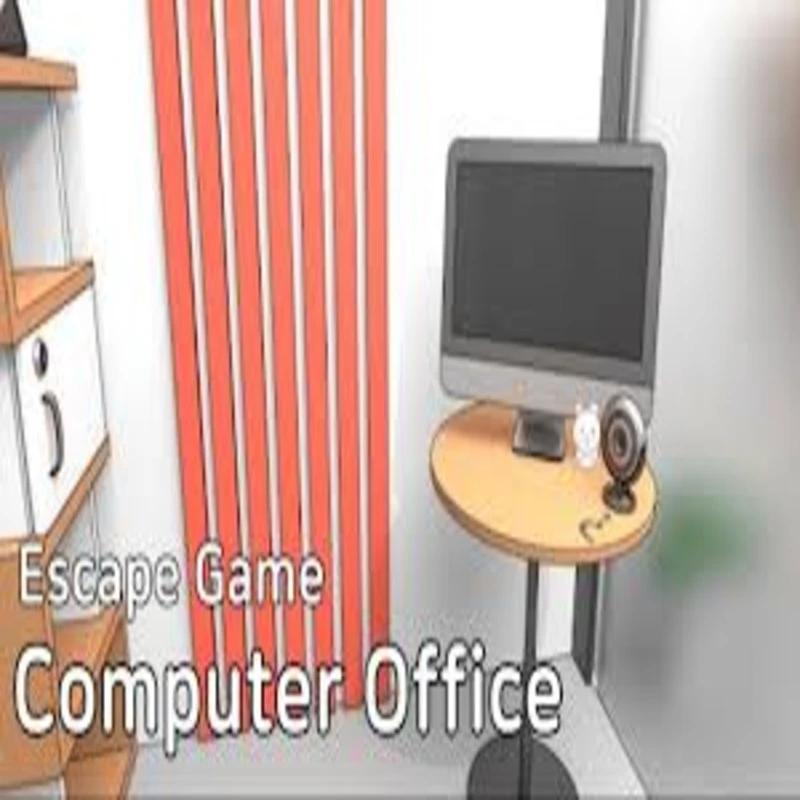
Computer Office Escape is a sleek, minimalist point-and-click puzzle game developed by masasgames (Masahiro Morishima). Set in a modern, tech-filled office, you must use your logical deduction skills to interact with PCs, hardware components, and office supplies to unlock the exit. Unlike many chaotic escape games, this title is praised for its "sound and intelligent" logic, focusing on realistic office scenarios rather than abstract riddles.
This 2026 edition is built on a high-performance HTML5 (Unity WebGL) engine, ensuring it remains fully unblocked and playable on any modern browser without the need for Flash or external downloads.
💡 The Intern’s Starter Guide
To successfully break out of the office before your shift ends, master these core interaction mechanics:
-
The Tap-to-Explore Rule: In this office, every surface matters. Tap on monitors, desk drawers, and even trash cans. If a specific area zooms in, it means there is a puzzle to solve or an item to collect.
-
Item Management: To use an item, tap it in your inventory list to select it, then tap the object in the room you wish to interact with. To inspect an item in detail, tap it once to select and a second time to Zoom/Inspect.
-
Logical Combinations: Some puzzles require you to combine two items in your inventory. For example, you might need to use a screwdriver on a computer tower to reveal its internal components.
🏆 Pro-Level Office Strategies
-
🔧 Hardware Repair: One of the primary puzzles involves "fixing" a PC. Look for missing components like RAM Modules hidden in desk drawers. Pay attention to the color of the slots; putting a DDR4 module into the correct blue slot is a common requirement to boot up the system.
-
📱 The Smartphone Pattern: If you find a locked smartphone, look for a nearby Whiteboard. Use an eraser to reveal hidden patterns or codes that translate directly to the phone's unlock screen.
-
📄 Paper Shredder Clues: Never ignore the trash. Piecing together shredded documents (like TQ Code Parts) is the key to finding passwords for the main office terminal.
-
🔢 The ASCII Table: If you find an ASCII Table near a computer, it’s not just decoration. You’ll likely need to convert letters from colored folders (Red, Blue, White) into numeric codes to unlock the mini-fridge or safe.
✨ Game Features
-
💻 Tech-Centric Puzzles: Solve riddles involving USB flash drives, email passwords, and hardware installation.
-
💾 Auto-Save System: Your progress is automatically tracked, allowing you to step away and return to the office exactly where you left off.
-
🎨 Clean 3D Aesthetics: Features a crisp, professional art style that makes spotting small clues easier than in traditional "grungy" escape rooms.
-
⚡ 2026 Web Performance: Optimized for 60FPS on both desktop and mobile browsers, ensuring lag-free puzzle solving even on lower-end hardware.
📂 Categories
Adventure | Puzzle | Point-and-Click | Escape Room | Unblocked | Logic
🕹️ Where to Play (Unblocked & Free)
To ensure the best 2026 gaming experience with full-screen support and zero network blocks, use these optimized sources:
-
Decentgames: The best choice for unblocked access on restricted networks, featuring the most stable 2026 HTML5 build.
-
Decentgames: Offers high-definition rendering and an intuitive interface, perfect for detailed pixel-hunting in the office.
-
Unblocked Games: Access the full version of Computer Office Escape without any network filters or download requirements.
-
Decentgames: Optimized for high performance, providing the best experience for both mouse and touch-screen play.
![[GAMENAME]]([BGIMGURL])
 [RATE]