 1K
1K
🔺 Geometry Arrow 2 (Dash Challenge)
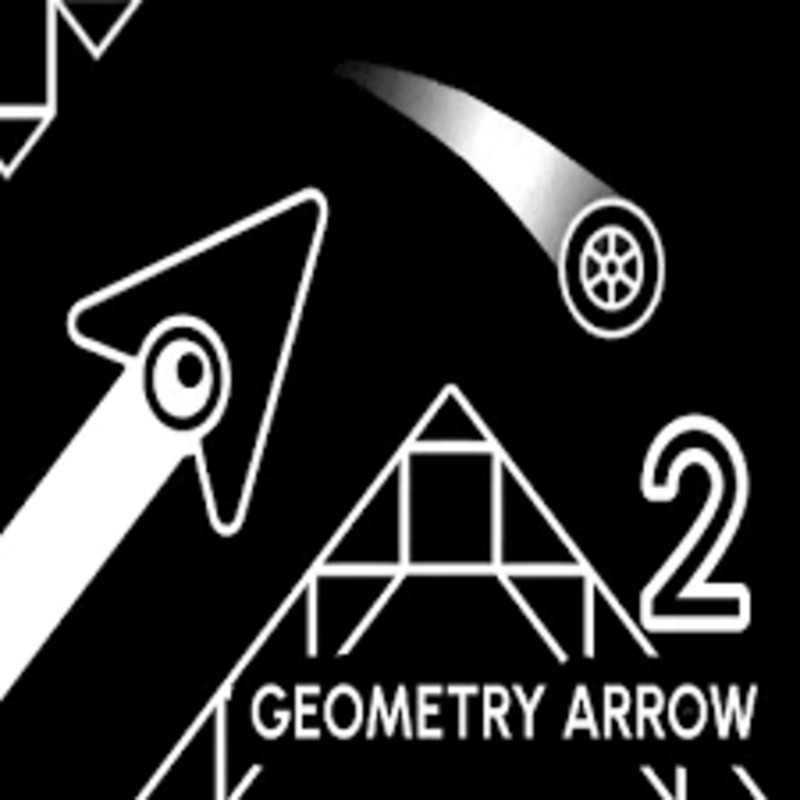
Geometry Arrow 2: Dash Challenge is the high-octane 2026 sequel to the original rhythm-arcade hit Geometry Arrow. Taking heavy inspiration from the Geometry Dash wave mechanics, this sequel expands the "cave escape" formula by adding new characters, physics-defying obstacles, and a refined "Dash Puzzle" system.
Released in early 2026, it has quickly become a favorite for players who enjoy "die-and-retry" precision platformers that reward muscle memory and rhythmic timing.
💡 New Gameplay Mechanics
The biggest addition in Geometry Arrow 2 is the introduction of a second playable form that shifts the game's core strategy:
-
The Wheel Mode: While the classic Arrow zigzagged through tunnels, the new Wheel character rolls along the ground. You must time your jumps over spikes and moving traps.
-
Mode Portals: Levels now feature portals that instantly switch you between the Arrow (zigzag flight) and the Wheel (ground jumping) mid-run, forcing you to adapt your reflexes instantly.
-
Blue Trampolines: Specifically for the Wheel form, glowing blue bubbles act as trampolines. Timing a jump while rolling over one allows for a "Super Jump" to clear massive gaps.
-
Dash Puzzles: Certain segments require "dashing" through specific textures or block patterns to unlock the path forward.
🕹️ Controls & Navigation
The game maintains a "one-button" philosophy, making it accessible but challenging to master.
| Action | Control (PC/Chromebook) | Control (Mobile) |
| Ascend (Arrow) | Hold Left Click / Space |
Hold Touch |
| Descend (Arrow) | Release Click |
Lift Finger |
| Jump (Wheel) | Tap Space / Left Click |
Tap Screen |
| Super Jump | Jump on blue bubbles |
Tap on blue bubbles |
| Restart | R Key |
UI Button |
🏆 Pro-Level Strategies
-
📐 Rhythm Syncing: The pulsating soundtrack isn't just for atmosphere; the spikes and moving walls often shift to the beat. If you're struggling, try playing with headphones to "feel" the jumps.
-
🛡️ Skin Buffs (Visual): Use your earned achievements to unlock different particle effects. Some skins have smaller visual footprints, which can help you see the exact hitboxes of spikes in narrow passages.
-
🔥 The "Release" Timing: In Arrow mode, gravity pulls you down quickly. Learn the "drift" speed of the arrow to minimize clicking; staying in the middle of a corridor is safer than hugging the ceiling.
-
⚡ Practice Mode: Just like the original, use Practice Mode to place checkpoints before difficult transition portals. This is the only way to master the "demon-level" layouts.
✨ Features (2026 Version)
-
📈 6 Difficulty Tiers: Levels range from Easy to Demon, with "Harder" and "Insane" acting as the mid-game skill gates.
-
🎨 Deep Customization: Customize your Arrow and Wheel with new skins, trail effects, and block textures.
-
🏆 Achievement System: Complete specific tasks (like "Die 100 times" or "First Clear") to earn new sound effects (SFX) and color schemes.
-
⚡ WebGL 3.0 Performance: Optimized for modern browsers, ensuring zero input lag even on 144Hz monitors.
📂 Categories
Arcade | Rhythm | Skill | Dash | Hardcore | Unblocked
🕹️ Where to Play (Unblocked & Free)
To ensure the most stable 2026 experience without network blocks, use these optimized Decentgames sources:
-
Decentgames: The premier choice for the Windows/Microsoft Store version.
-
Decentgames: Best for Mousebreaker, offering a specialized unblocked browser build.
-
Decentgames: A clean, no-ad version of the Google Play port for mobile-style play on a PC.
-
Decentgames: Features the "3 in 1" bundle, including the original Geometry Arrow and a secret "Vibe Mode" level.
![[GAMENAME]]([BGIMGURL])
 [RATE]