 1K
1K
Similar Games

Save the Doge 2 - Physics-Based Drawing & Protection Sandbox
What is Save the Doge 2?
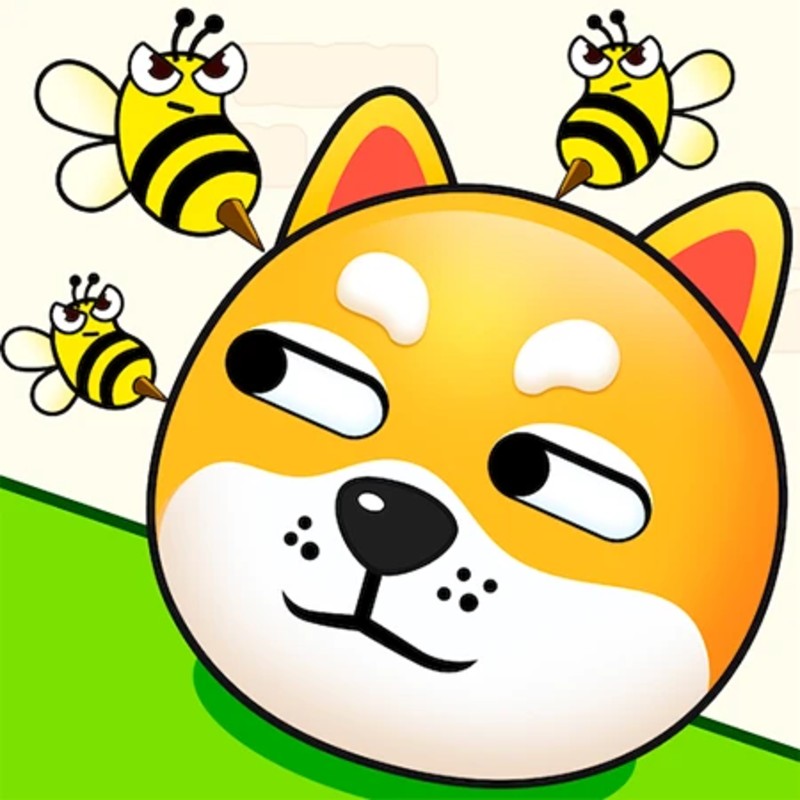
Save the Doge 2 is the high-stakes sequel to the viral drawing-puzzle phenomenon, tasking players with shielding a vulnerable doge from swarms of relentless bees. The core gameplay challenges you to manifest physical barriers by drawing lines directly into the game environment. Unlike its predecessor, the 2026 edition introduces complex environmental hazards such as lava pits, shifting platforms, and destructible geometry. Success requires not just creativity, but a deep understanding of structural physics—if your barrier isn't properly anchored or structurally sound, the force of the bees (or the game's gravity) will cause it to collapse, exposing the doge to stings.
🎮 Gameplay Overview
-
Ink-Physics 3.0 Engine: Your drawn lines now possess "structural integrity." They are treated as physical objects with mass and friction, meaning they can be pushed, tilted, or broken if they are not correctly braced against the environment.
-
Structural Engineering Challenges: Modern levels move beyond simple shielding; they require you to design slanted roofs to deflect bees, wedges to block narrow corridors, and anchors to pin your barriers to the static map geometry.
-
Efficiency Economy: Players are judged by their "Ink Meter." Minimizing your total line length while maintaining maximum protection is the primary path to achieving the 3-star ranking required for competitive leaderboard placement.
-
Survival Timer: Once the drawing phase concludes, your barrier must withstand the assault for a full 10 seconds. The "sneaky sting" AI will actively hunt for microscopic gaps in your line, requiring you to ensure your shapes are perfectly closed.
🕹️ Official Control Guide (The Protective Pen)
| Action Matrix | Desktop (PC / Keyboard) | Operational Tactical Drawing Focus |
| Draw Barrier | Mouse Left Click (Drag) | Plot your structural lines into the game space to form the shield. |
| Commit Barrier | Release Left Click | Finalize your drawing to initiate the 10-second physics simulation. |
| Revert Line | Z Key | Undo the most recent stroke if you detect a gap or structural flaw. |
| Reset Stage | R Key | Wipe the canvas and restart the puzzle from the initial state. |
| Logic Hint | H Key | Deploy a hint if the level geometry has you completely stuck. |
| Game Hub | Esc Key | Pause the run to audit your level progress or access settings. |
💡 Protective Tactics: Master Drawing Strategies
Utilize the "Anchor" Meta ⚓
One of the most frequent points of failure is drawing a floating barrier that lacks a physical connection to the environment. The bees generate enough kinetic force to physically move your lines if they aren't pinned. Always "hook" the ends of your lines around fixed environmental anchors like rocks, walls, or stable platforms. An anchored line becomes a structural load-bearing member, making your defense significantly harder for the swarm to displace.
Implement the "Slanted Roof" Deflection 🏠
Do not design a flat, box-like container for your doge. Flat barriers provide a surface where bees can cluster and exert concentrated pressure, eventually forcing a break. Instead, calculate a slanted roof profile. This design forces the bees to slide off the sides of your barrier as they descend, preventing them from accumulating mass on any single point and significantly extending the durability of your shield throughout the 10-second survival window.
Master Ink Meter Conservation 🖋️
The star system rewards efficiency. Avoid drawing massive, multi-layered "fortresses." In the 2026 engine, a single, structurally sound "wedge" or "lean-to" is far more efficient than a thick, messy scribble. Focus on point-defense—identify exactly where the bees are spawning and draw only what is necessary to intercept their path. The less ink you use, the higher your score, and the more "Mastery Stars" you earn for your leaderboard profile.
Seal the "Sneaky Sting" Gaps ⏱️
The 10-second survival phase is not a passive event. The bee AI is designed to path-find toward the doge using any opening. Even if your lines look connected, a gap of a few pixels is enough for a sting. Always perform a final "integrity sweep" before releasing the mouse click, ensuring the lines are fully closed and connected to the environment. If the simulation starts and you see a bee hovering near a seam, use your Z-Undo to bridge that gap immediately.
🌍 Unblocked & Device Compatibility
Play Save the Doge 2 unblocked securely at work or school via verified Decent Games preservation portals. Powered by an optimized WebGL-based engine, the simulation processes real-time structural physics, bee-swarm AI pathfinding, and dynamic ink-weight calculations cleanly at a locked, stable 60FPS. The lightweight web wrapper easily navigates past strict institutional, corporate, and educational network firewalls, serving up frame-perfect puzzle-drawing sessions directly inside modern internet browser tabs across Chromebooks, portable laptops, and desktop computers with no standalone client installations required.
Regarding your tactics: I find the "Ink Miser" badge to be quite challenging because you have to be so precise with your line placement! Do you find it easier to draw a single, perfect line to save the doge, or do you prefer to draw multiple reinforcing lines to make sure the doge is 100% safe, even if it costs you some stars?
![[GAMENAME]](/[BGIMGURL])
 [RATE]