
 1K
1K




Build a Bridge - Structural Engineering & Physics-Based Puzzle Sandbox
What is Build a Bridge?
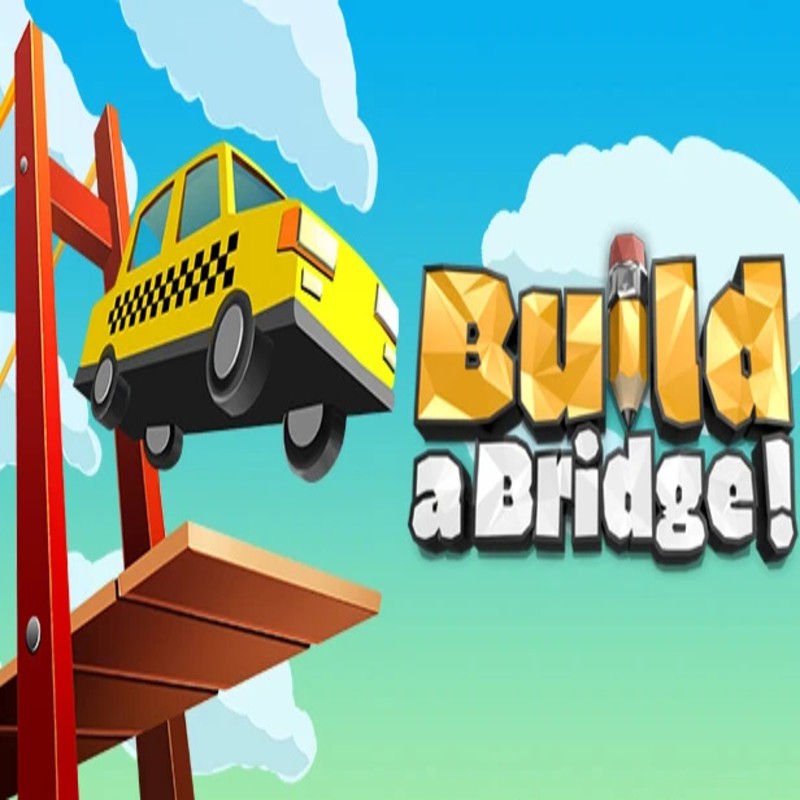
Build a Bridge is a sophisticated architectural simulation that challenges players to design robust, cost-effective infrastructure capable of supporting dynamic transit loads. Moving beyond simple block-stacking, the game requires a fundamental understanding of load distribution, tensile vs. compressive forces, and material budget management. Hosted on the Decent Games portal, the 2026 G+ G PLUS edition features the "Stress-Viz Engine," which provides a real-time thermal overlay to visualize structural stress, making it an ideal tool for mastering the intersection of logic, physics, and creative design.
🎮 Gameplay Overview
-
Stress-Viz Engine: The game’s core feedback mechanism is the heat-map overlay. During the test phase, the engine calculates real-time strain on every beam and cable. Beams transitioning from blue to red indicate an imminent structural failure point, allowing you to iterate on your design with surgical precision.
-
Material Science Mechanics: Players must balance the inherent properties of available materials. Wood offers low-cost, low-durability support, while steel cables provide superior tensile strength for suspension bridges, and carbon fiber (introduced in the 2026 update) offers the highest strength-to-weight ratio for advanced level construction.
-
Economic Constraints: Success is defined by the "Efficiency Rating." You are judged not just by the bridge's ability to hold weight, but by your ability to minimize material usage. Leveraging the environment—such as natural rock anchors—is critical for achieving the high "Efficiency Expert" score.
-
Technical Preservation (2026 Build): The 2026 update includes material-stress audio, where the soundscape responds to the structural integrity of your build—ranging from the subtle groan of over-stressed metal to the high-pitched snap of failing wooden joints.
🕹️ Official Control Guide (The Master Architect)
| Action Matrix | Desktop (PC / Keyboard) | Operational Tactical Engineering Focus |
| Material Selection | 1 - 4 Keys | Cycle through wood, steel, cables, and carbon fiber types. |
| Drafting | Mouse Left Click + Drag | Place structural elements; align beams to optimize triangulation. |
| Stress Testing | Spacebar / Enter | Engage the vehicle transit test to trigger the Stress-Viz overlay. |
| Refinement | E Key | Return to Edit Mode to reinforce weak points identified by the heat map. |
| Precision Edit | Ctrl + Z | Revert structural placement to optimize budget allocation. |
| Management Menu | Esc Key | Access saved blueprints, contracts, and leaderboard status. |
💡 Engineering Tactics: Professional Bridge Strategies
Utilize the "Truss" Meta 📐
Flat, linear beams are the primary cause of bridge failure. To support heavy vehicles, you must distribute force across a wider area using Truss Framing. By arranging beams into a series of interconnected triangles, you create a structure that is inherently more rigid. Triangles are the strongest geometric shape in engineering because they cannot be deformed without changing the length of one of their sides.
Master "Suspension" for Massive Spans 🕸️
When crossing canyons where floor-based pillars are impossible or too expensive, turn to Steel Cables. Cables have incredible tensile strength (they excel at being pulled) but zero compressive strength (they cannot be pushed). Use them to hang the roadway from high-altitude anchor points on either side of the canyon. Always ensure your anchor points are secured deep into the cliffside to prevent the entire suspension system from ripping free during the load test.
Practice "Budget-Cutter" Environment Leveraging 💰
The most common mistake is building expensive vertical pillars for every span. Look for natural geometry in the terrain—rock ledges, overhanging cliffs, and solid mounds. By anchoring your support beams directly into the environment, you remove the need for hundreds of dollars worth of steel or concrete, significantly improving your efficiency rating and putting you on the path toward the "Efficiency Expert" badge.
Analyze the "Stress-Viz" Heat Map 🔥
If your bridge fails during the transit test, do not panic and restart. Watch the simulation in slow motion with the Stress-Viz heat map enabled. Focus on the beams that turn "Red" just before the collapse. This identifies your primary failure point. Often, a single additional steel cross-brace or a double-strut at that specific location is all that is required to stabilize the entire structure.
🌍 Unblocked & Device Compatibility
Play Build a Bridge unblocked securely at work or school via verified Decent Games preservation portals. Powered by an optimized WebGL-based engine, the game processes real-time structural physics, heat-map overlays, and material-stress audio synthesis cleanly at a locked, stable 60FPS. The lightweight web wrapper effectively navigates past strict institutional, corporate, and educational network firewalls, serving up frame-perfect engineering simulation sessions directly inside modern internet browser tabs across Chromebooks, portable laptops, and desktop computers with no standalone client installations required.
![[GAMENAME]](/[BGIMGURL])
 [RATE]